

For agency managers and owners, investing in targeted training programs is a wise move. It keeps your team sharp so they can work smarter and faster. When making new hiring decisions, verifying a candidate’s previous completion of these same programs can help you avoid a costly mistake.
This guide explores WordPress training for agencies, along with the courses and programs available. We’ll consider their value and discuss how to select the best path for your team. Whether you’re onboarding new talent or aiming to elevate your current team’s WordPress skills, these resources will help you build a proficient and adaptable talent pool, ready to deliver exceptional results.
Elevate your agency’s capabilities: Leverage Automattic for Agencies to simplify workflows and empower your team. This free program rewards top service providers for recommending the proven WordPress plugins, hosts, and services they already trust. It adds another revenue stream for owners and grants access to exclusive support and agency tools like centralized site management and the Build-a-Cart Referrals feature.
Why training is crucial for WordPress agencies and developers
When you invest in your team’s training, you’re building skills and strengthening your agency as a whole. That might sound lofty, but WordPress agency training:
- Keeps your team competitive: WordPress is always changing, and staying current allows your team to offer the best services possible.
- Boosts productivity: Team members who utilize the latest tools and techniques work more efficiently, make fewer mistakes, and deliver better results — faster.
- Attracts and retains talent: Training shows your team that you’re invested in their growth, which keeps them engaged and motivated. Plus, it’s a great way to attract skilled developers and marketers looking for a workplace that values WordPress professional development.
- Improves client satisfaction: A well-trained team delivers higher-quality work, which leads to happier clients and more referrals.
- Helps vet new hires: You can hire applicants who have successfully completed training courses with confidence
With technology in constant flux, training isn’t just a bonus. It’s a crucial part of the strategic mix for WordPress agency owners to keep their company healthy for years to come.
How to evaluate the worth of a WordPress agency training course
Not all training courses bring the same value, and you want to invest your dollars wisely. To make the best choice, answer these questions:
Is it comprehensive?
Does the course dig into all the areas your team needs to grow? Look for programs that balance the basics with advanced topics. This way, your team gets a solid foundation (or a refresher) while learning new features, best practices, and skills.
Is it practical?
Training shouldn’t feel like a Ted Talk. Instead of abstract ideas, ideal courses should include hands-on exercises, real-world scenarios, and interactive projects. They should give your team skills they can put to use right away.
Is it up-to-date?
WordPress changes quickly, and training materials that don’t keep up aren’t worth the investment. Check for courses that cover the latest updates, tools, and practices your talent needs to stay ahead.
Take the time to evaluate training programs thoughtfully to help your team learn in a way that moves your agency forward.
The 20 best WordPress training programs and courses in 2025
Selecting the right training resources matters a lot. It’s a choice that influences your team’s future skill set and overall efficiency. To assist with your decision-making, we’ll break down 20 standout WordPress courses and programs to consider for your agency this year.
- Click one of the links below to navigate straight to a specific course:
- “Learn WordPress” by WordPress.org
- WordPress.org Developer Resources
- Developer Blog
- Intro to SEO at WordPress.com
- Newsletters 101 at WordPress.com
- WordPress Codex
- WordPress.tv
- WPSessions
- Enterprise WordPress Performance at WordPress VIP
- AI-Assisted WordPress at WordPress.com
- Bluehost WordPress Academy
- Data Analytics Certificate at Grow with Google
- Google Ads Certifications with Skillshop
- LinkedIn Learning: WordPress Courses
- Content Marketing course at HubSpot Academy
- Inbound Marketing Optimization course at HubSpot Academy
- Agency Copilot
- Social Selling Certification Course at Hootsuite
- Udemy: WordPress Courses
- Website Design Process for Clients (Start to Finish) by Megan Weeks
1. “Learn WordPress” by WordPress.org
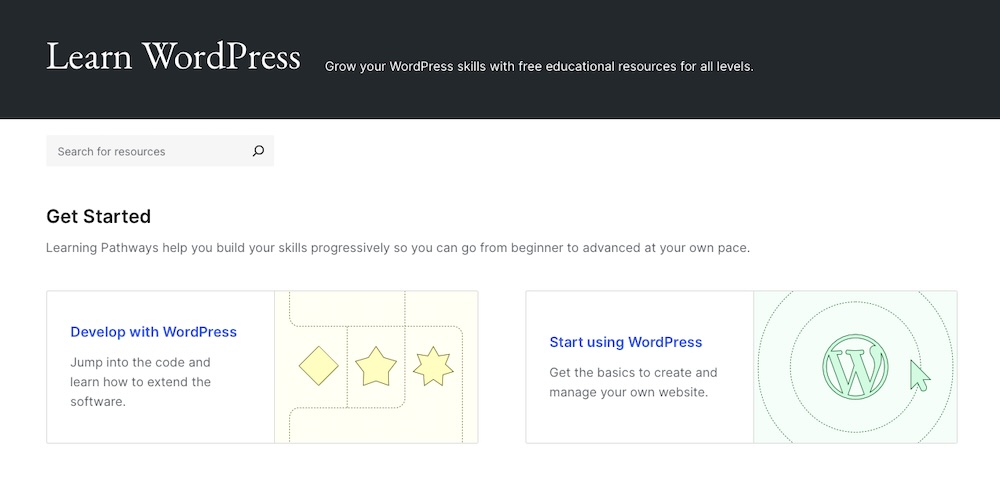
“Learn WordPress” is a section of the WordPress.org site that offers a comprehensive, free educational platform for all skill levels. It’s packed with a variety of resources, including courses, lessons, and live workshops, covering topics from site setup and theme customization to advanced plugin development and API integration.
The platform emphasizes practical learning, featuring interactive quizzes and real-world scenarios to keep people engaged. This is a great WordPress onboarding resource to have on hand for new team members. It’s also just a solid site for reinforcing foundational skills or for team members to reference when they have a question.
2. WordPress.org Developer Resources
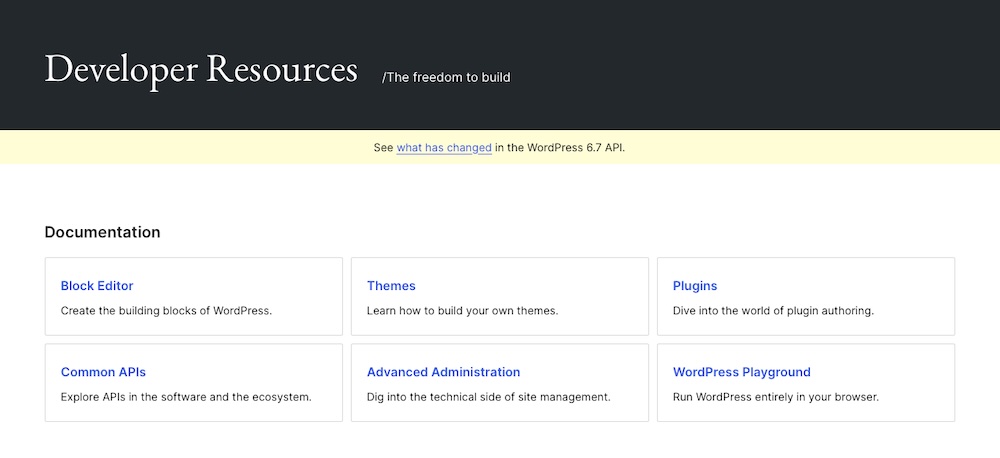
WordPress.org’s Developer Resources give your team members everything they need to build and customize with confidence. The platform breaks down coding standards, theme and plugin development, REST API integration, and block editor customization into easy-to-follow guides and references.
Teams working on custom client projects or contributing to WordPress core can use this resource to tackle advanced tasks efficiently while maintaining top-tier coding practices. It’s a good website to recommend to team members to keep on hand during projects and for keeping up-to-date with the latest additions to WordPress core.
3. Developer Blog
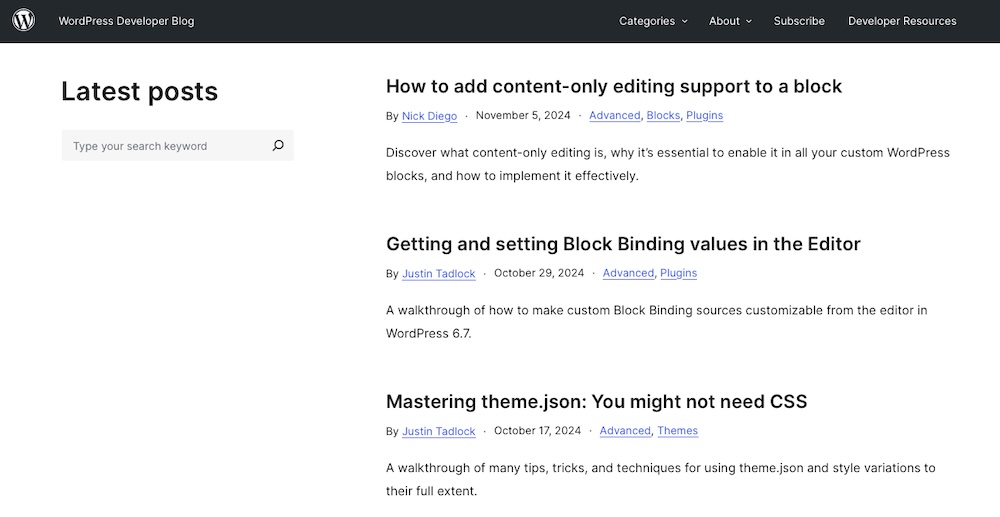
The WordPress Developer Blog provides timely updates and insights from the WordPress team. It covers new feature rollouts, development guidelines, and tutorials.
Your team can stay prepared for upcoming changes — like major updates to the block editor or PHP requirements — by following this blog, without wading through extensive documentation. It’s an excellent resource to upskill WordPress developers who want to stay current on the software and broader ecosystem. It’s another resource to include in onboarding information, too.
4. Intro to SEO at WordPress.com
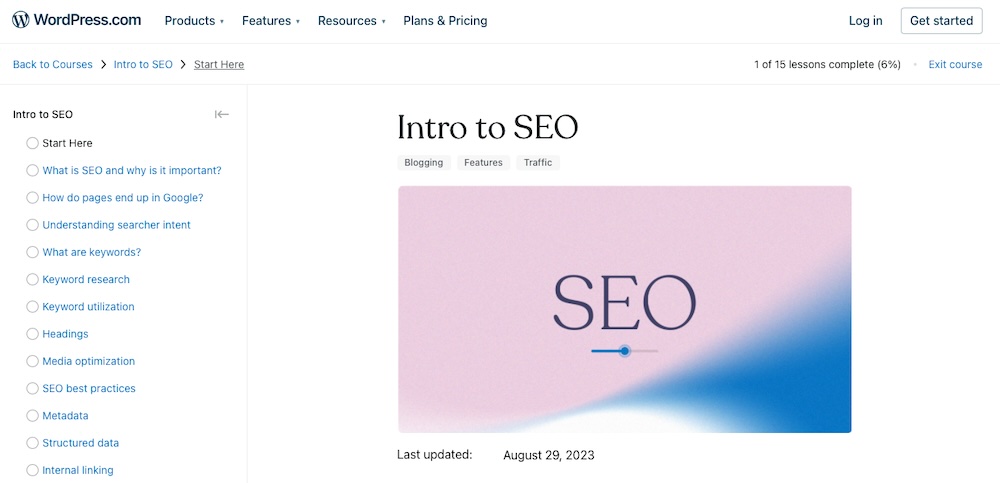
The Intro to SEO course on WordPress.com offers a convenient way to learn search engine optimization (SEO) and its impact on website visibility. This course breaks down complex SEO concepts into simple, actionable steps.
From mastering keyword research to crafting SEO-friendly content, this resource will guide your talent through foundational techniques to enhance client site performance on search engines. It also covers practical topics like improving site structure, using built-in WordPress tools, and using analytics to measure the impact of your team’s work. This is a good option for those on your team new to SEO or as a refresher before taking on additional responsibilities.
5. Newsletters 101 at WordPress.com
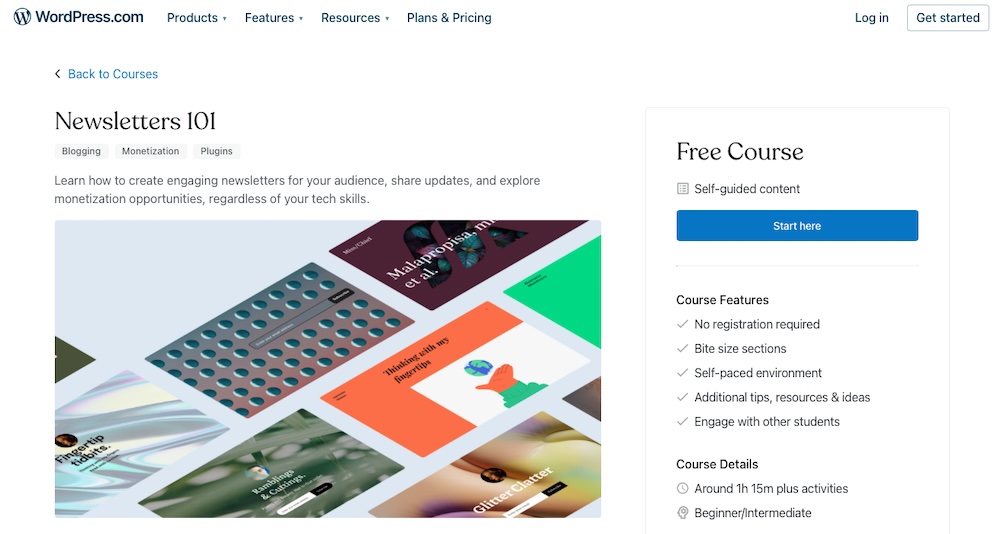
The Newsletters 101 course on WordPress.com equips your team with the skills to create and manage effective email newsletters. Participants learn how to build an engaged subscriber list, craft compelling content, and analyze performance to improve results.
Agency owners can upskill their talent by enrolling them in this course or set this certification as a hiring requirement to ensure new hires bring proven expertise. This improve’s your team’s ability to develop high-performing email campaigns.
6. WordPress Codex

The WordPress Codex serves as the original, comprehensive documentation for WordPress, encompassing topics from basic installation to advanced customization. While it lacks the structure of formal courses, the Codex is invaluable for addressing specific development queries and troubleshooting unique challenges.
Developers can swiftly reference detailed information on functions, hooks, and APIs, making it an essential resource for those managing complex customizations or debugging code. It’s another solid piece of reference material to include in onboarding documents for new team members.
7. WordPress.tv
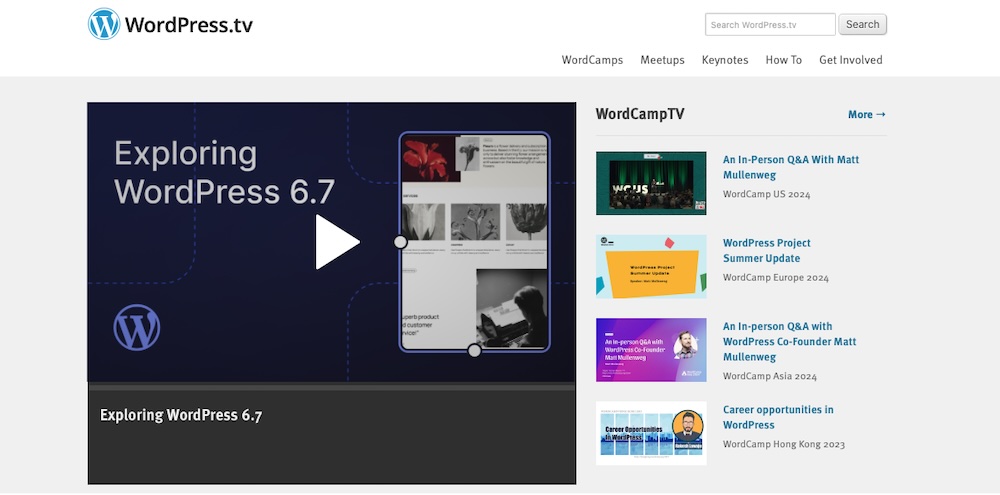
WordPress.tv hosts a large collection of recorded sessions from WordCamps and community meetups worldwide. These videos offer practical insights on topics like accessibility, security best practices, site optimization, and scaling WordPress.
For instance, your team can explore sessions on WooCommerce scalability or headless WordPress setups, directly applicable to client projects. The informal, case-study-style presentations make it easy to absorb new ideas and techniques, helping your team gain expertise and become more adaptable.
8. WPSessions
WPSessions is a premium platform offering on-demand courses and live training for WordPress professionals. Led by industry experts, the content covers advanced topics like plugin architecture, performance tuning, and multi-site management. The concise courses allow team members to integrate learning into their schedules seamlessly.
Agencies that want to specialize in high-demand areas or tackle complex tech challenges can especially benefit from this platform.
9. Enterprise WordPress Performance at WordPress VIP
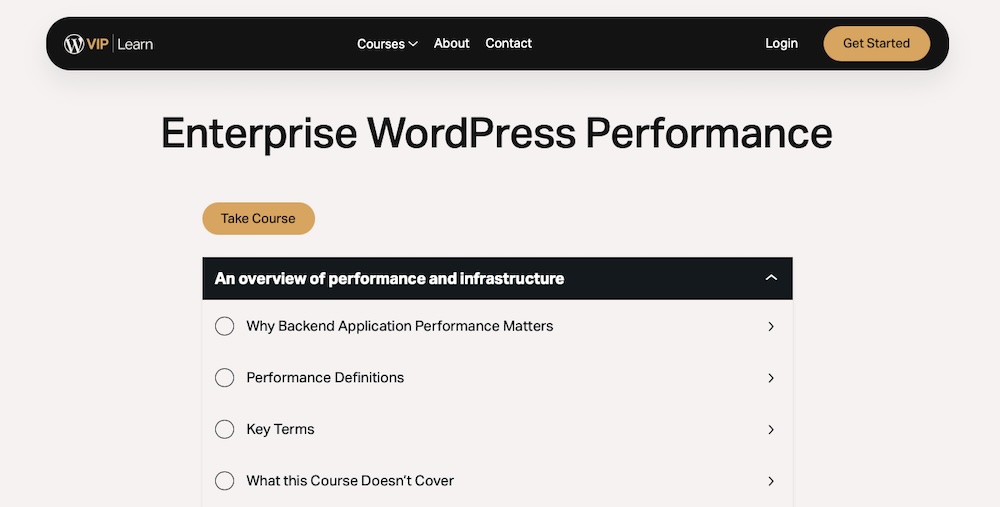
The Enterprise WordPress Performance course from WordPress VIP delivers essential training for optimizing WordPress at scale. Participants learn advanced techniques to enhance site speed, handle high traffic volumes, and maintain top-tier performance for enterprise-level websites.
For agencies managing enterprise clients, this course ensures your talent has the expertise to deliver fast, reliable, and seamless WordPress experiences. Enroll your team to boost their proficiency in optimizing database queries, caching strategies, and server configurations — key skills that directly impact client satisfaction.
10. AI-Assisted WordPress at WordPress.com
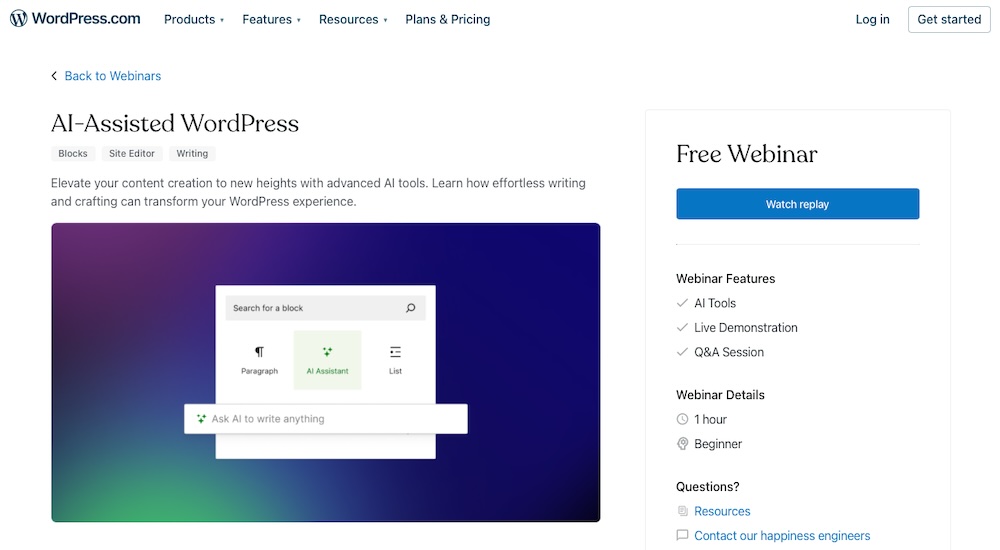
Though technically a webinar, the AI-Assisted WordPress session at WordPress.com offers hands-on information on using AI tools to speed up your workflow and elevate website content. This session focuses on practical applications of AI, including generating content, optimizing SEO, and automating repetitive tasks, all seamlessly integrated into WordPress.
This webinar provides a clear WordPress learning path to upskilling your talent or onboarding team members with the latest AI techniques. Equip your team with this knowledge to save time, improve content quality, and enhance site performance for clients.
11. Bluehost WordPress Academy
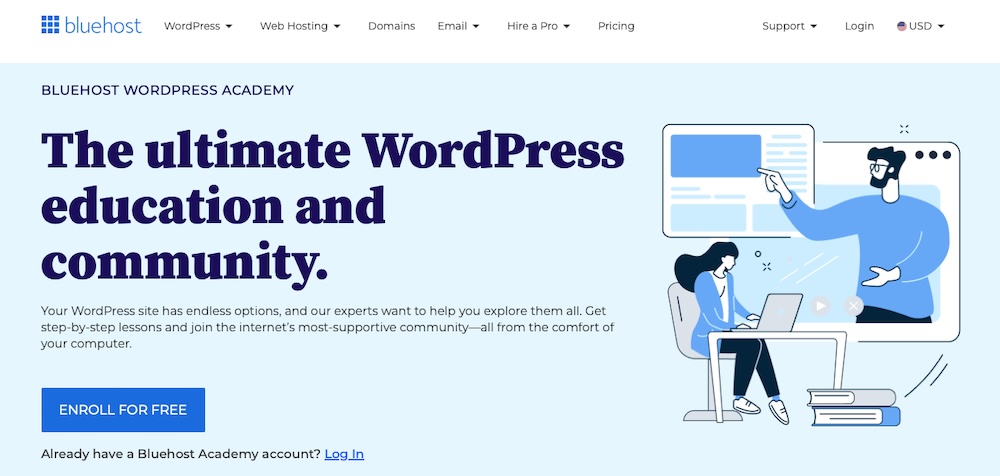
The Bluehost WordPress Academy offers practical, step-by-step tutorials covering essential aspects of WordPress site setup and maintenance. Topics include optimizing site speed, securing installations, and migrating WordPress sites.
This content is ideal for junior developers or team members responsible for client site setups and ongoing maintenance. The tutorials provide actionable steps and downloadable guides so learners can apply their knowledge immediately. This makes it a great onboarding resource for new team members. Or, at the very least, it could serve as a recommended resource within your project management flow.
12. Data Analytics Certificate at Grow with Google
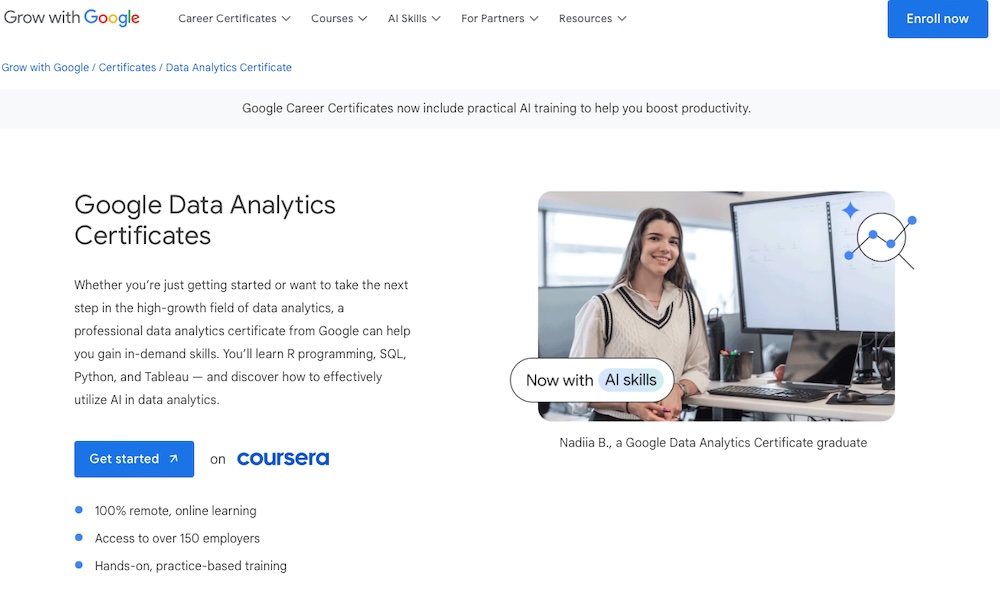
The Data Analytics Certificate from Grow with Google equips professionals with the essential skills to collect, analyze, and visualize data. Through hands-on training in tools like Excel, SQL, Tableau, and R programming, participants gain a deep understanding of how to interpret data trends and turn insights into real-world strategies.
If you select these courses for your talent, they’ll build the skills to understand and use modern analytics. Whether it’s creating custom dashboards for clients or refining campaign performance metrics, this program builds the expertise needed to deliver results — backed by data.
13. Google Ads Certifications with Skillshop
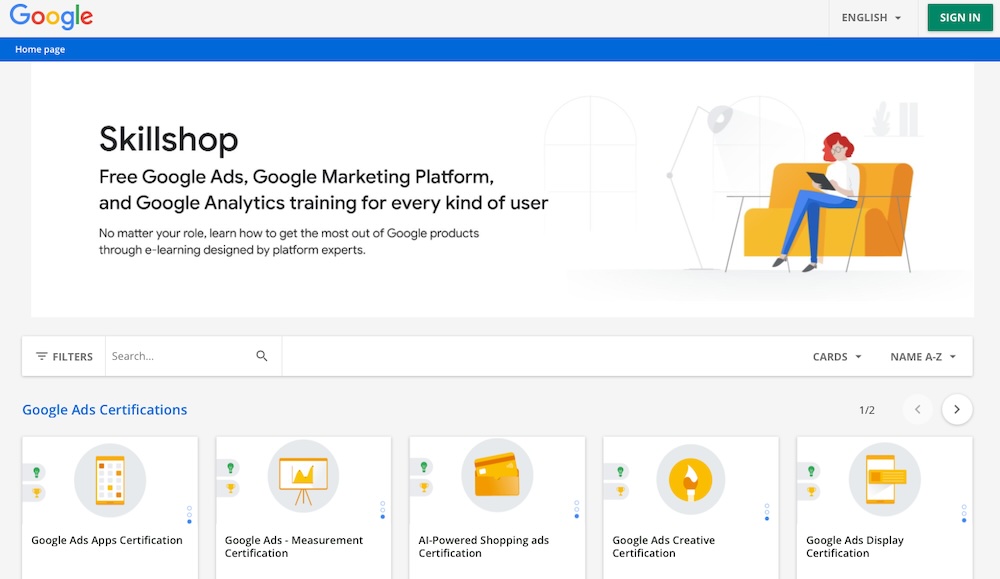
The Google Ads Certifications through Skillshop provide in-depth training and official credentials to fully use Google’s advertising platforms. From search and display ads to video and shopping campaigns, participants gain hands-on knowledge to create, manage, and optimize ad strategies that drive measurable results.
These certifications are an excellent way to upskill your talent or set a hiring standard. Certified team members bring confidence and expertise to managing client accounts, ensuring campaigns achieve maximum ROI while staying up-to-date with Google’s latest tool updates and policies.
14. LinkedIn Learning: WordPress Courses
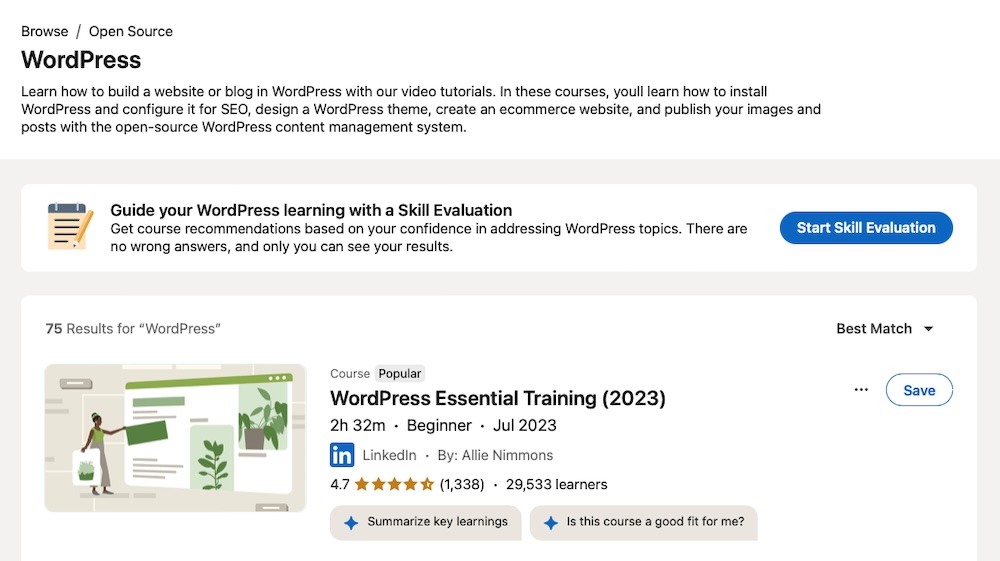
LinkedIn Learning provides courses on many subjects, but it has a healthy selection of WordPress-specific lessons catering to all skill levels. Topics range from beginner tutorials to advanced development strategies, including WordPress SEO, theme and plugin customization, and PHP development.
Learners can earn WordPress certificates upon course completion, which enhances their professional profiles. The platform’s structured video modules accommodate personal schedules and varying time commitments, so it’s accessible to people across the world.
15. Content Marketing course at HubSpot Academy
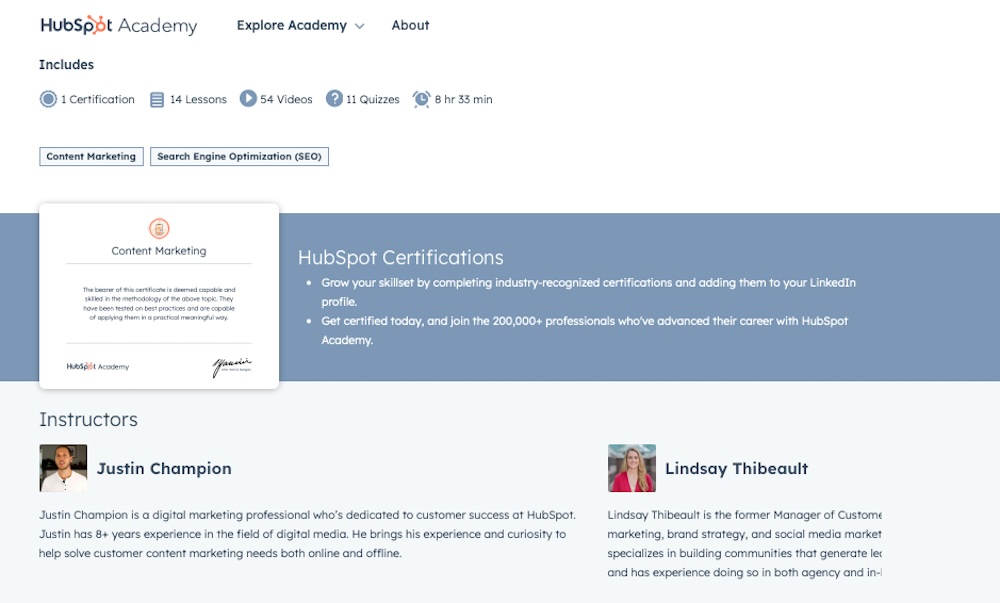
HubSpot Academy’s Content Marketing course provides a strong foundation for creating, distributing, and scaling impactful content. Covering topics like storytelling, content planning, repurposing, and SEO, this course provides tips and tricks for engaging audiences and driving long-term growth.
This valuable resource ensures your talent develops the skills needed to deliver exceptional content for clients. Whether you’re training your team or setting this certification as a hiring prerequisite, it promises expertise in creating content that resonates and converts.
16. Inbound Marketing Optimization course at HubSpot Academy
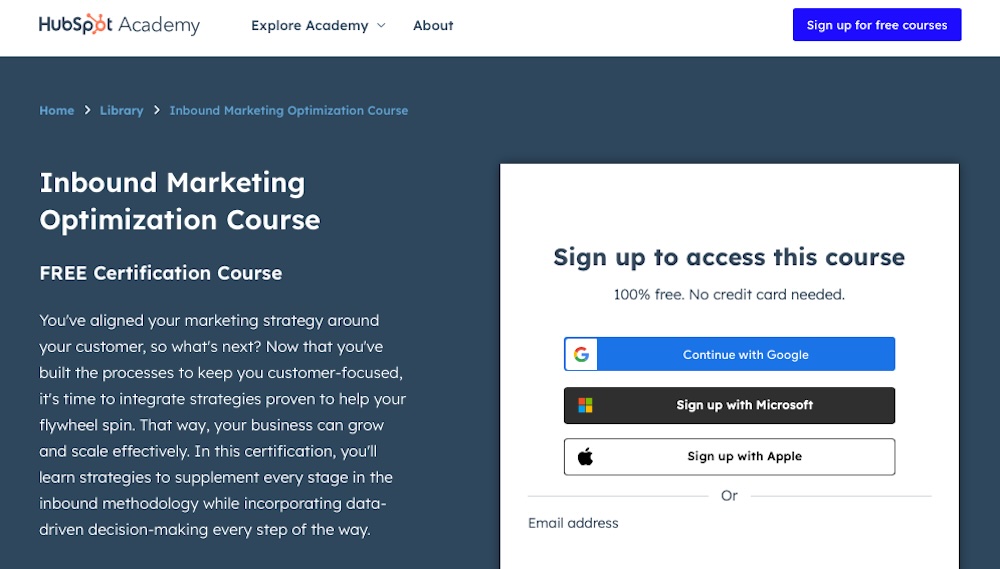
Another course from HubSpot Academy worth pursuing is the Inbound Marketing Optimization course. It dives deep into strategies for attracting, engaging, and delighting customers throughout their journey. This course covers critical areas like lead generation, conversion rate optimization, and customer retention, helping marketers fine-tune every aspect of their inbound marketing efforts.
Sign up your team for this course to ensure they’re well-versed in creating campaigns that deliver measurable results.
17. Agency Copilot
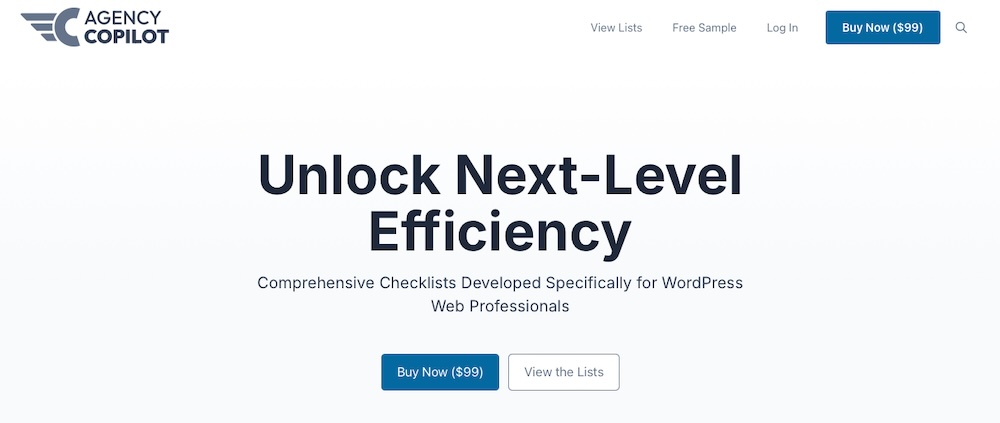
Agency Copilot is specifically designed for WordPress agencies, offering comprehensive training and practical tools to enhance project management and team efficiency. It provides more than 30 expert-level checklists and process templates covering areas like client onboarding, project discovery, and website audits.
These resources assist in refining team workflows, improving client communication, and implementing scalable development processes. Agency owners and team leads might get the most use out of Agency Copilot themselves, as it provides resources for streamlining operations and maintaining high standards across projects.
18. Social Selling Certification Course at Hootsuite

Hootsuite offers a Social Selling Certification Course that provides comprehensive guidance on the tools and strategies needed to leverage social media for relationship building and increasing sales. The course focuses on identifying leads, engaging with prospects authentically, and using data to refine outreach efforts.
Agencies can use this course to upskill their talent. This way, your team knows how to make full use of social platforms to generate revenue for clients — a real “leave no stone unturned” approach.
19. Udemy: WordPress Courses
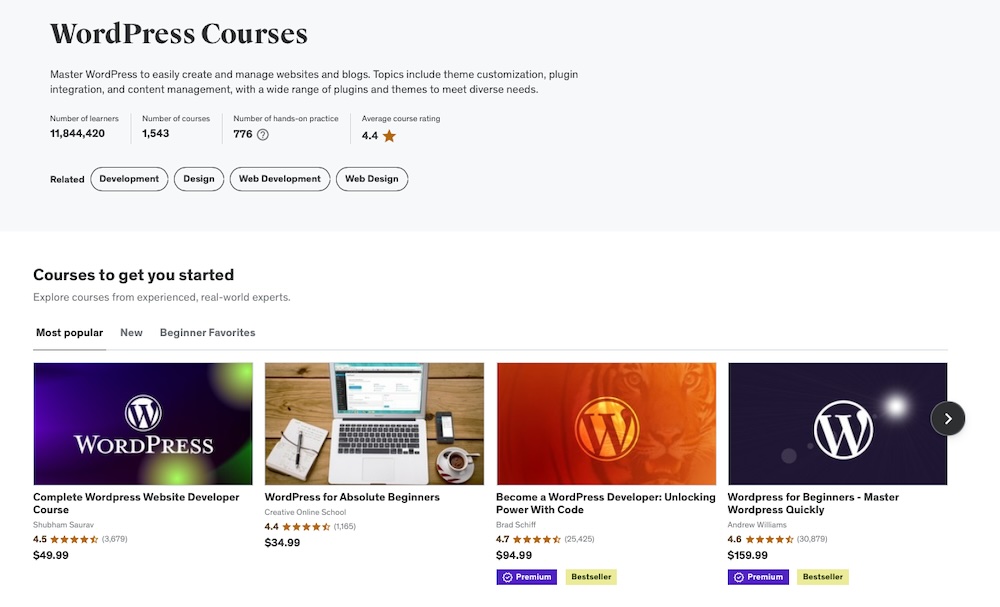
Udemy offers a diverse selection of WordPress courses suitable for all skill levels. Each course provides lifetime access, so your team can revisit materials as needed. Notable topics include “WordPress for Beginners,” which covers site-building fundamentals and “The Complete WordPress Developer Course,” focusing on advanced plugin development.
This flexibility allows your team to learn at their own pace and deepen their expertise over time. It also makes it a good resource for onboarding new team members and for encouraging your current team to expand their skill set.
20. Website Design Process for Clients (Start to Finish) by Megan Weeks

Megan Weeks’ YouTube course, “Website Design Process for Clients (Start to Finish),” provides a comprehensive walkthrough of creating a functional website, from initial client discussions to delivering a polished final product. It covers key stages like understanding client needs, planning the site structure, designing wireframes, developing the site, and conducting final reviews.
This resource serves agency managers and owners well since it offers a living example of a web design client workflow. It provides tips for the design process, project workflows, and client management — all advice that can be put into practice right away.
How to choose the right WordPress agency training path
Selecting the right path for your team is yet another important responsibility for agency owners. A responsibility, however, doesn’t have to be a massive burden.
Here’s a quick plan for making a choice that aligns with your agency’s goals:
- Assess current skill levels: Are your team members beginners needing foundational courses or experienced developers or marketers ready for advanced topics? Depending on the services you offer, you might have a mix of both. Match training to their experience so they remain challenged without becoming discouraged.
- Define career and agency goals: What you want to achieve with your agency leads the way here. If you want to expand into custom plugin development, prioritize courses on PHP and JavaScript. For agencies focused on delivering faster sites, choose training on performance optimization or server management.
- Evaluate the time commitment: Some courses are short and focused, while others require weeks of study. Balance the time required with your team’s workload to avoid disrupting client projects.
- Consider preferred learning styles: Your talent might prefer hands-on exercises, video tutorials, or written documentation. Choose training that suits how your team learns best to maximize retention and application.
- Check for practical applications: The best training programs include real-world projects or case studies. These give your team members immediate opportunities to apply what they’ve learned to agency tasks.
Choosing the right path involves finding a “good” WordPress course and aligning the needs of your team and the future direction of your agency.
Frequently asked questions about agency team training
With so many training options to explore, you might still have questions about getting your team started or overcoming common challenges in WordPress development. Let’s address some of the most frequently asked ones.
How long does it take to become proficient in WordPress development?
There’s a wide community of talented WordPress developers, so most agencies should hire applicants with past experience. That said, there are times when training existing talent might be important — such as when pivoting to WordPress from another area of focus.
Beginners with no coding background might take three to six months to grasp basic skills, while those with web development experience could get up to speed in a month or two. However, if you make this the primary focus for either group, your team can probably cut down this time significantly.
What programming languages are most commonly used in WordPress development?
Considering a focus on WordPress? Let’s discuss the skills your team will need.
WordPress development primarily relies on PHP, HTML, CSS, and JavaScript. PHP handles the backend and functionality, HTML structures the content, CSS manages styling, and JavaScript enhances interactivity. Familiarity with SQL (for database management) is also helpful.
What are some common challenges people face when learning WordPress development?
Beginners often struggle with debugging errors, managing compatibility between plugins and themes, and understanding the WordPress hook system (actions and filters). More advanced developers may face challenges scaling WordPress for high-traffic sites or working with newer options like headless WordPress.
What are some best practices for version control in WordPress development?
Using a tool like Git helps with version control. Developers should create separate branches for new features, commit changes regularly, and test updates locally before pushing them to staging or production environments. Proper documentation of commits and using a .gitignore file to exclude unnecessary files (like wp-config.php) also helps keep everything organized.
What is a headless WordPress setup, and when should I consider using it?
Headless WordPress decouples the front-end and back-end, using WordPress for content management and a JavaScript framework (like React or Vue) for rendering. This approach offers faster performance, improved scalability, and greater flexibility in design.
Once considered an important part of the future, the idea of Headless WordPress is starting to lose favor with many. You can read more about it in our guide, “What is Headless WordPress? Benefits and How to Get Started.” [link to post]
What tools and software are essential for WordPress agencies and developers?
Every WordPress agency owner should first join Automattic for Agencies. From the people behind WordPress.com, it provides access to exclusive site management and client billing tools. It even includes an additional revenue stream, alongside better pricing for the most essential WordPress plugins, hosting plans, and more.
Other must-have tools include local development environments like Studio. Text editors like Visual Studio Code are helpful as well, as is a version control system like Git. Other essentials include performance monitoring tools, WordPress security plugins, and site backup solutions.
What is Automattic for Agencies?
Automattic for Agencies supports WordPress agencies by offering premium hosting, tools, and services. It simplifies agency workflows, enhances site management, and provides opportunities to earn commissions through its referral program.
Why join Automattic for Agencies? What are the benefits for an agency?
Agencies gain access to tools that streamline operations, reduce overhead, and help them deliver premium services to clients while enjoying revenue sharing for recommending certain products. Features like centralized site management and exclusive discounts and benefits make it easier for agencies to scale while maintaining quality and protecting margins.
Why the top WordPress agencies pick Automattic for Agencies
Investing in training is only part of the equation for running a successful WordPress agency. To truly make your workflows work for you (and deliver outstanding results to clients), consider integrating Automattic for Agencies into your operations.
With discounts off of Pressable or WordPress.com hosting plans, commissions from client purchases of top-quality WordPress tools, and a share of purchases processed through WooPayments, agencies can improve their operations and boost their margins.
Plus, agencies will get access to features like the Build-a-Cart Referrals program and streamlined site management tools, helping them handle projects more efficiently and deliver a better client experience.

 Automattic