


Running a WordPress agency means wearing a lot of hats—and repeating the same tasks across dozens of sites. You know the grind: updating plugins, sending client status emails, managing access permissions, and juggling invoices. These tasks drain your time and energy, leaving nothing left to actually push your agency forward.
This is why WordPress automation for agencies is so important. It frees up headspace to shift from daily checklists to growth strategies. As your agency scales, automation becomes essential for workflows that don’t bottleneck with every new client.
This guide breaks down how to automate repetitive, time-consuming tasks so you can focus on growing your business.
What WordPress Automation Truly Unlocks for Agencies
Automation isn’t about cutting corners and slashing services. The repetitive tasks tying up your team are important—that work still needs to get done. Automation simply ensures it’s accomplished in the most efficient way possible.
Here are some benefits of automated WordPress site management:
- More billable hours, less admin overhead: Your team can spend more time on revenue-generating work instead of administrative chores.
- Fewer mistakes from manual processes: Automate updates, security scans, and backups to run smoothly and correctly every time.
- Happier clients through consistent delivery: Regular reports, smooth operations, and consistent performance build trust and client satisfaction.
- A scalable business model: Automation lets you grow without hiring new team members at the same pace.
Replacing manual tasks with automated workflows creates a leaner, more scalable operation. Productivity increases, stress decreases, and your agency can focus on growth.
What WordPress Tasks Should You Automate?
Ready to streamline your WordPress agency workflow through automation? Here are some good places to start:
Site Maintenance
Keeping client sites secure and up-to-date is essential, but can also be tedious. Automate key maintenance tasks like:
- Plugin, theme, and core updates: Schedule or trigger updates automatically to keep every site secure and compliant.
- Backups: To protect against data loss, run backups automatically — ideally in real time — and save them in secure cloud storage.
- Security checks: Use automated tools to run malware scans and check for vulnerabilities, ensuring firewalls stay current and effective.
These tasks might seem small individually, but they add up quickly across dozens (or hundreds) of client sites.
User and Team Management
Agencies often work with a rotating mix of team members, freelancers, and client users. Without automation, managing access across multiple sites quickly becomes time-consuming and potentially risky.
Simplify user management by automating:
- New user onboarding: Automatically assign roles and permissions using predefined templates for designers, developers, clients, and more.
- Access control: Use a centralized system to define who can access which sites and what actions they can take, reducing errors and improving security.
- Offboarding processes: Revoke access automatically when contracts end or team members leave, so you don’t need to update credentials manually across every site.
Centralized user management is particularly useful when managing multisite environments or complex client projects. It reduces friction and minimizes the risk of unauthorized access.
Client Reporting
Client reports build trust and demonstrate your value, but compiling them manually takes time, especially when managing multiple accounts.
Fortunately, you can automate reporting to save hours and deliver consistent updates. Many tools generate detailed, professional reports that include:
- Uptime and performance stats: Show clients that their sites run smoothly and receive proactive maintenance.
- Plugin and update logs: Highlight completed work each month to reinforce professionalism and transparency.
- Security and backup reports: Provide peace of mind with clear data on malware scans, firewall status, and real-time backups.
- Traffic and analytics: Integrate platforms like Google Analytics or Jetpack Stats to share key performance metrics at a glance.
Automated reports save time and help deliver insights—reinforcing your agency’s value.
New: If you’re using Automattic for Agencies, the new Client Reports feature lets you build and send custom, mobile-optimized reports in just a few clicks—no third-party tools required. Select the metrics that matter most to each client, preview your report, and send it straight from your agency dashboard. All reports are saved to your account so you can quickly review past sends, duplicate your favorite formats, and automate recurring updates.
Multisite Workflows
Managing multisite networks or multiple client sites with similar setups adds complexity to maintenance tasks, but automation can significantly reduce this workload.
Automate actions like:
- Site duplication: Use pre-built templates to launch new sites faster and eliminate repetitive design and setup steps.
- Global settings deployment: Push plugin and theme configurations across multiple sites to maintain consistency with minimal effort.
- Bulk updates: Run batch updates across dozens of sites with a single command to keep everything current and secure.
Automation in multisite environments ensures project consistency and allows your team to manage more clients with fewer resources.
Communication and Notifications
Relying on memory or sticky notes to follow up on tasks puts client sites at risk and creates unnecessary stress. Instead, automate key communication touchpoints such as:
- Maintenance notifications: Automatically alert clients when updates or changes occur to keep them informed in real time.
- Support escalations: Trigger alerts for senior team members when an issue needs extra attention, improving response times.
- Scheduled client updates: Send regular emails with site health summaries or upcoming maintenance to keep your clients in the loop.
Billing and Product Referrals
Invoicing and upselling are essential, but they shouldn’t eat up your schedule. Automate these tasks to save time and unlock new revenue streams:
- Recurring billing: Automatically charge clients for monthly retainers or maintenance plans with integrated invoicing.
- License renewals: Set plugins and themes to renew automatically to avoid service interruptions and client issues.
- Referrals and affiliate commissions: Promote trusted tools, track clicks and revenue, and generate passive income.
How to Automate Repetitive Tasks
Now that you know what to automate, the next step is choosing the right solution. You could piece together different plugins to handle each task, but managing them adds a layer of complexity that works against the efficient system you’re trying to build.
Instead, opt for a unified, agency-focused platform like Automattic for Agencies.
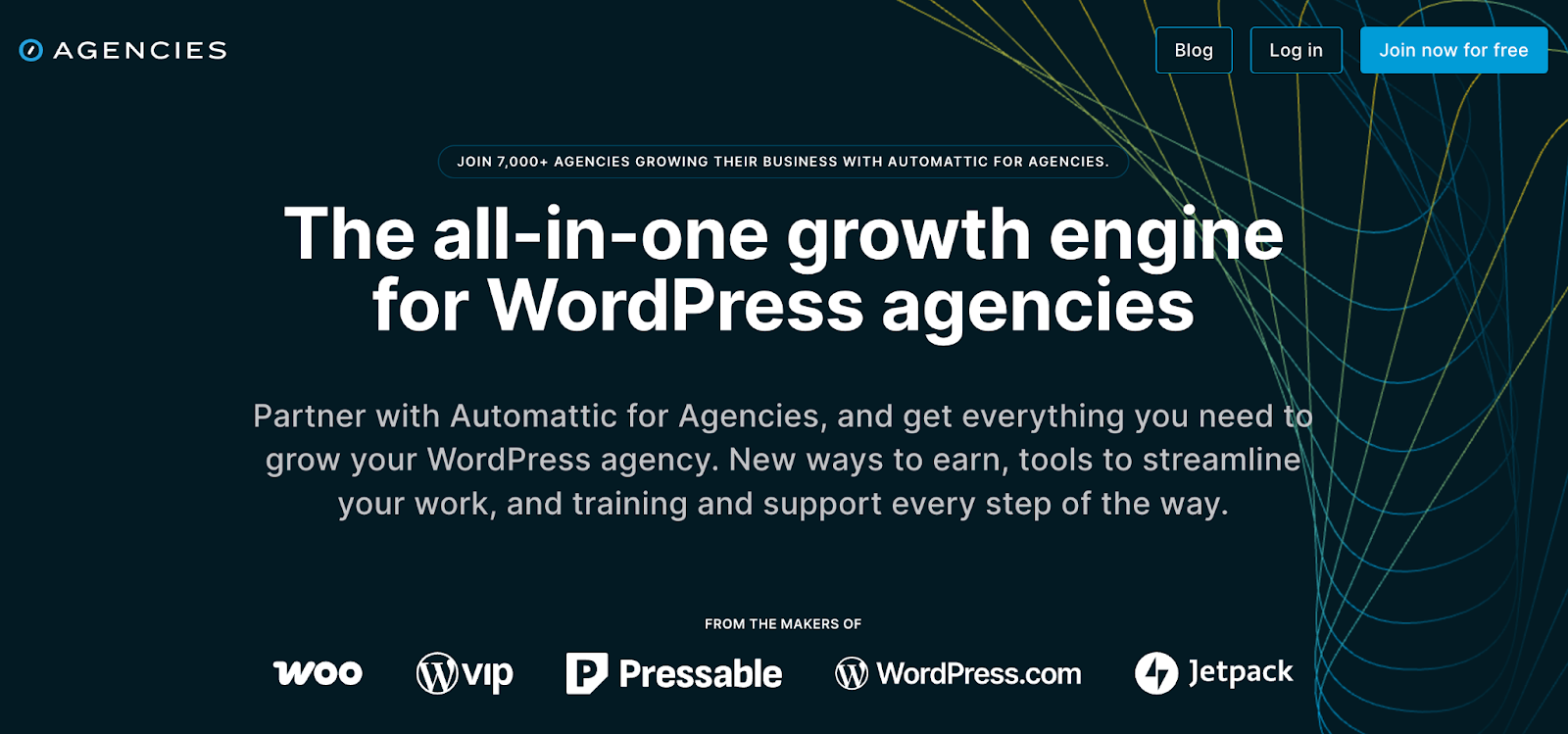
Developed by the team behind WordPress.com, Automattic for Agencies is purpose-built to help agencies manage multiple client sites efficiently. It combines essential WordPress automation tools—including site management, billing, and reporting—into one streamlined solution.
Let’s take a closer look at how Automattic for Agencies simplifies and automates your day-to-day workflows.
Implement a Unified Dashboard
The Automattic for Agencies unified dashboard gives your team one central place to manage every client site.
View performance and security data across all your sites at a glance and receive instant alerts if something needs attention.
From uptime monitoring to scheduling updates and managing licenses, everything runs through a single user-friendly interface—no need to log into each WordPress site individually.
Centralize Site and License Management
Managing dozens of sites means juggling just as many plugin and service licenses. Automattic for Agencies simplifies this with centralized license tracking.
Quickly see which clients use which tools, reassign licenses, and handle renewals from one interface. This reduces the risk of billing errors, missed renewals, or coverage gaps.
Prioritize Bulk Purchasing and Product Management
Automattic for Agencies also streamlines how your agency buys and manages software.
Purchase Jetpack plans, Akismet licenses, WooCommerce extensions, and other tools in bulk through a single marketplace. Then install them on client sites without setting up new accounts each time.
This automation makes product management straightforward, helps you save with bulk pricing, and reduces invoicing headaches.
Implement Bulk Site Actions
Managing settings and updates one website at a time isn’t sustainable. With Automattic for Agencies, you can apply bulk WordPress updates and configurations across multiple sites with just one click.
Update plugins, apply security or performance settings, deactivate or remove tools, and more without repeating the same task site by site. This is a considerable boost to operational efficiency.
Use Custom Client Carts and Referrals
Automattic for Agencies lets you build custom product carts with recommended tools (like Jetpack, WooCommerce, or Akismet) and share them directly with clients. They enter their billing directly so you never have to write down credit card numbers or chase down reimbursements.
These personalized recommendations position your agency as a trusted partner, increase upsell opportunities, and add value for your clients.
Your clients have secure billing control and you automatically get credited with the commission on license sales without a single additional piece of paperwork. It’s the most seamless process possible.
Improve Team and Client Access
Secure collaboration is essential for agencies, so Automattic for Agencies gives you complete control over user roles and permissions.
Grant developers full access to specific sites, allow clients to view reports without changing settings, and tailor roles to fit your workflow. This eliminates password sharing and reduces the need to manage separate logins.
Automate Billing and Subscription Management
Automated billing from Automattic for Agencies takes another time-consuming task off your plate.
Bill your clients monthly or annually without chasing payments or spending time on manual follow-ups. You can also manage subscriptions, accounts, and payment methods from a single hub.
This configuration minimizes missed payments and reduces the need for extra accounting support.
Receive Priority Support and Expert Guidance
Even the best systems run into issues, but Automattic for Agencies provides expert support whenever you need it.
Access program, product, and sales assistance for all Automattic products directly from your agency dashboard. Whether you’re troubleshooting a plugin or need help with an Automattic product, fast resolutions keep clients happy and projects on track without jumping between support queues.
Increase Client Acquisition and Exposure
Automattic for Agencies doesn’t just support your agency behind the scenes—it helps you grow your business.
Get listed in official directories for Jetpack, WooCommerce, Pressable, and WordPress.com to boost visibility and attract new leads. As a trusted Automattic partner, your agency will enjoy an instant credibility boost to help win more clients.
Automate at Scale with Automattic for Agencies
You don’t need to hire more people to grow your agency. You need smarter systems. Automattic for Agencies helps you automate what slows you down—so you can focus on what moves you forward.
Ready to scale your agency with less busywork? Explore Automattic for Agencies and start automating your growth today.

 Automattic