

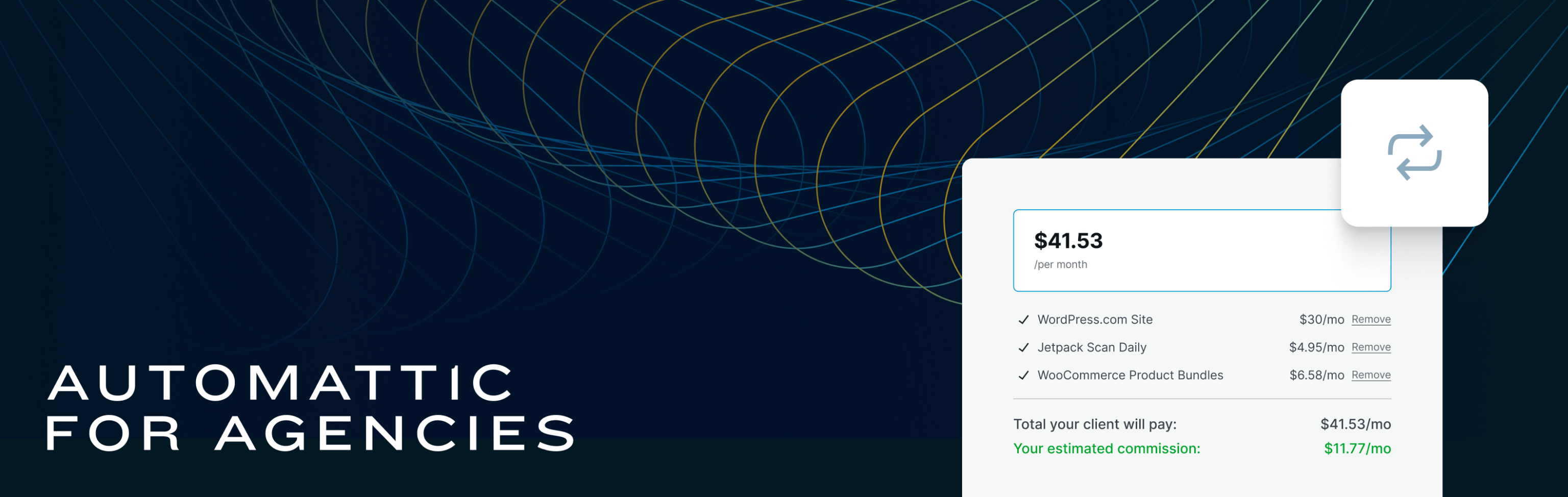
We are thrilled to announce a new feature designed to simplify your workflow and enhance the transparency of your client-agency relationships: build-a-cart referrals through the Automattic for Agencies dashboard! You can now send a single, comprehensive invoice to your clients, encompassing all Automattic products – from hosting to extensions.

What does this mean for you?
- Previously, commissions were earned by installing the Automattic for Agencies plugin on a site and purchasing hosting or an extension. This manual referral method is no longer in practice. Commissions for manual referrals made on or after July 8, 2024 will not be processed or paid out. All new hosting or extension referrals must be made with our new referral system.
- With our unified invoicing system, you can provide your clients with a clear and detailed view of their expenses, all on one invoice.
- With your clients managing the billing for hosting and extensions you can enjoy streamlined, accurate financial management.
- With billing concerns off your plate, dedicate more time to what you do best – creating exceptional digital experiences for your clients.
What do you need to do?
No action is required for referrals made before July 8, 2024 – you’ll receive commissions for those referrals. For referrals made on or after July 8, 2024, please use the new invoicing system to ensure you continue earning commissions. Follow the steps below to start leveraging our unified invoicing system today.
- Log in to the Automattic for Agencies dashboard and navigate to the marketplace.
- In the upper right corner, find and enable the “refer products” option.
- Start selecting the products you wish to include and add them to your cart, customizing the selection based on your client’s needs.
- Once your cart is ready, click “checkout” and enter your client’s email address. At this point, you can also include a personalized message to accompany the invoice.
- Proceed with “request payment from client”. Your client will then receive an email prompt from Automattic to review the cart and complete their payment.
- You’ll receive an alert as soon as your client completes the purchase, at which point, you can begin managing the plugin or service.
For detailed information on setting up and managing this new invoicing feature, please visit our knowledge base or contact our partner support team.

 Automattic