

Running an agency means learning constantly evolving products, pitching & building trust with clients, and shipping great work. Sometimes, the guides, talk tracks, documentation, and case studies that help with each of those used to live in a dozen different places. When a client asks why WooCommerce beats a closed platform, or your team needs to get up to speed on the Pressable MCP before a project kicks off, you should be able to find the right guidance when you need it.
Today, we’ve launched the new Resources Center inside the Automattic for Agencies dashboard, a single library of guides, playbooks, case studies, talk tracks, one-pagers, and videos exclusively for our partners.
Everything is organized around how your agency works, so an agency owner looking for a sales conversation guide and a developer looking for a technical brief each land on what they need quickly.
Start with recommendations
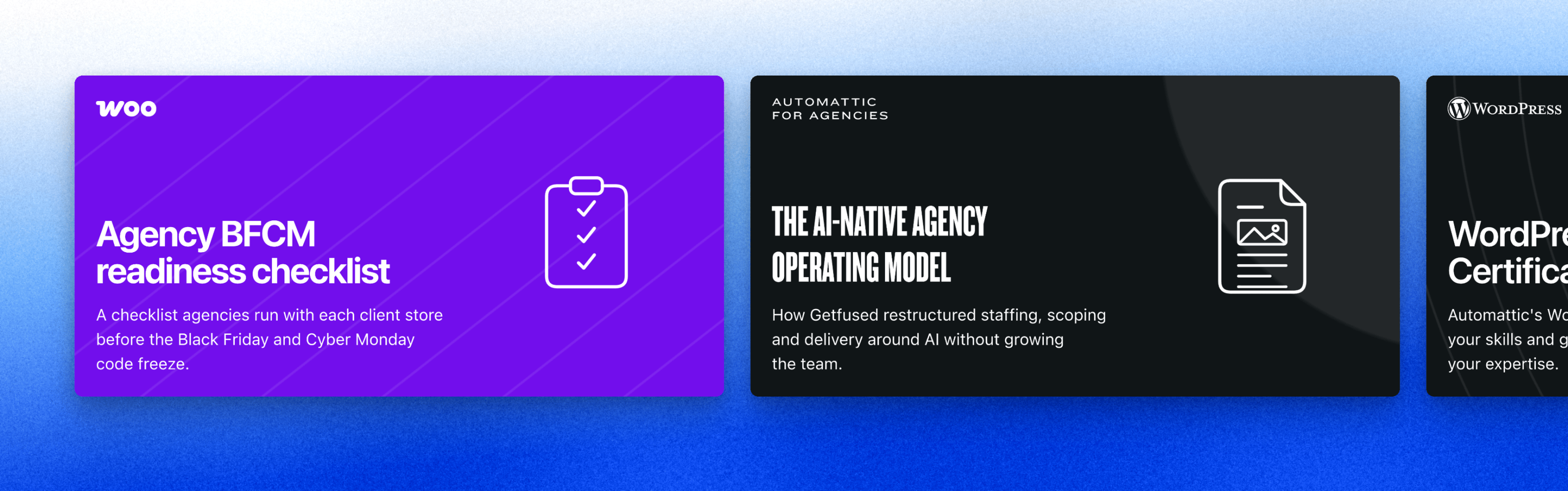
A row of our hand-picked resources sits at the top of the library, so the newest and most useful material is the first thing you see. Right now that includes how Getfused rebuilt its staffing, scoping, and delivery around AI without growing the team, a field guide to managing WordPress portfolios with the Pressable MCP, and a readiness checklist to run with every client store before the holiday sales rush.
Easily find what you need
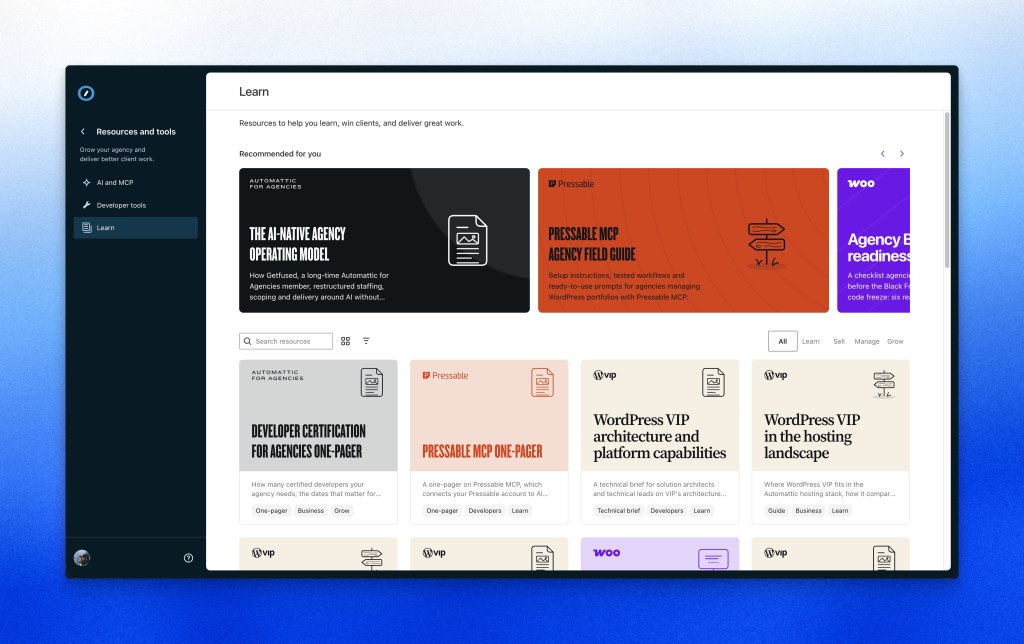
Every resource is grouped into one of four high-level categories to help you find the right type of guidance quickly:
- Learn: product overviews, technical briefs, and certification guides that get your team up to speed.
- Sell: talk tracks, one-pagers, and conversation guides that help you win more clients.
- Manage: checklists and playbooks for delivering and running client work, like our Black Friday and Cyber Monday readiness checklist.
- Grow: program guides and case studies that show how other agencies are expanding their business.
You can search and filter by stage, and each card shows what type of resource it is and who it’s for, whether that’s agency owners, developers, or the clients you’re presenting to. Color-coded illustrations make it easy to tell a checklist from a slide deck from a case study before you click anything.
Browse and keep track as you go
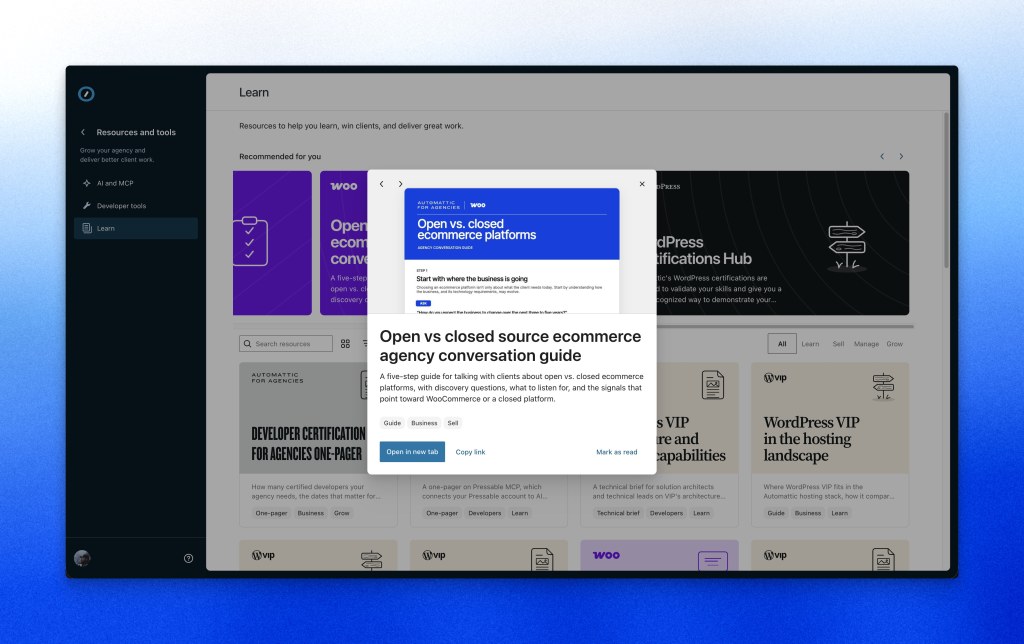
You can switch between a visual grid and a denser list view depending on how you like to scan. Clicking any resource opens a quick preview with a larger description, and you can step through resources one after another without losing your place. PDFs, slide decks, and videos open right in your browser, on any device.
As you work through the library, you can mark resources as read and filter by what you’ve already covered, which makes it simple to pick up where you left off. Every resource also has its own link, so you can send the exact guide or talk track to a teammate.
One place to stay updated
Our products move quickly, and keeping track of what’s new across WooCommerce, WordPress VIP, Pressable, WordPress.com, Jetpack, and Parse.ly can feel like a job on its own. The Resources Center gives you one place to follow those updates, so you can bring the latest capabilities to your clients as soon as they’re available. We’re adding new resources regularly.
Explore the Resources Center
The new Resources Center is live now for every Automattic for Agencies member. Open your dashboard and head to Resources and tools > Learn to start browsing, and let us know what you’d like to see added next.


